

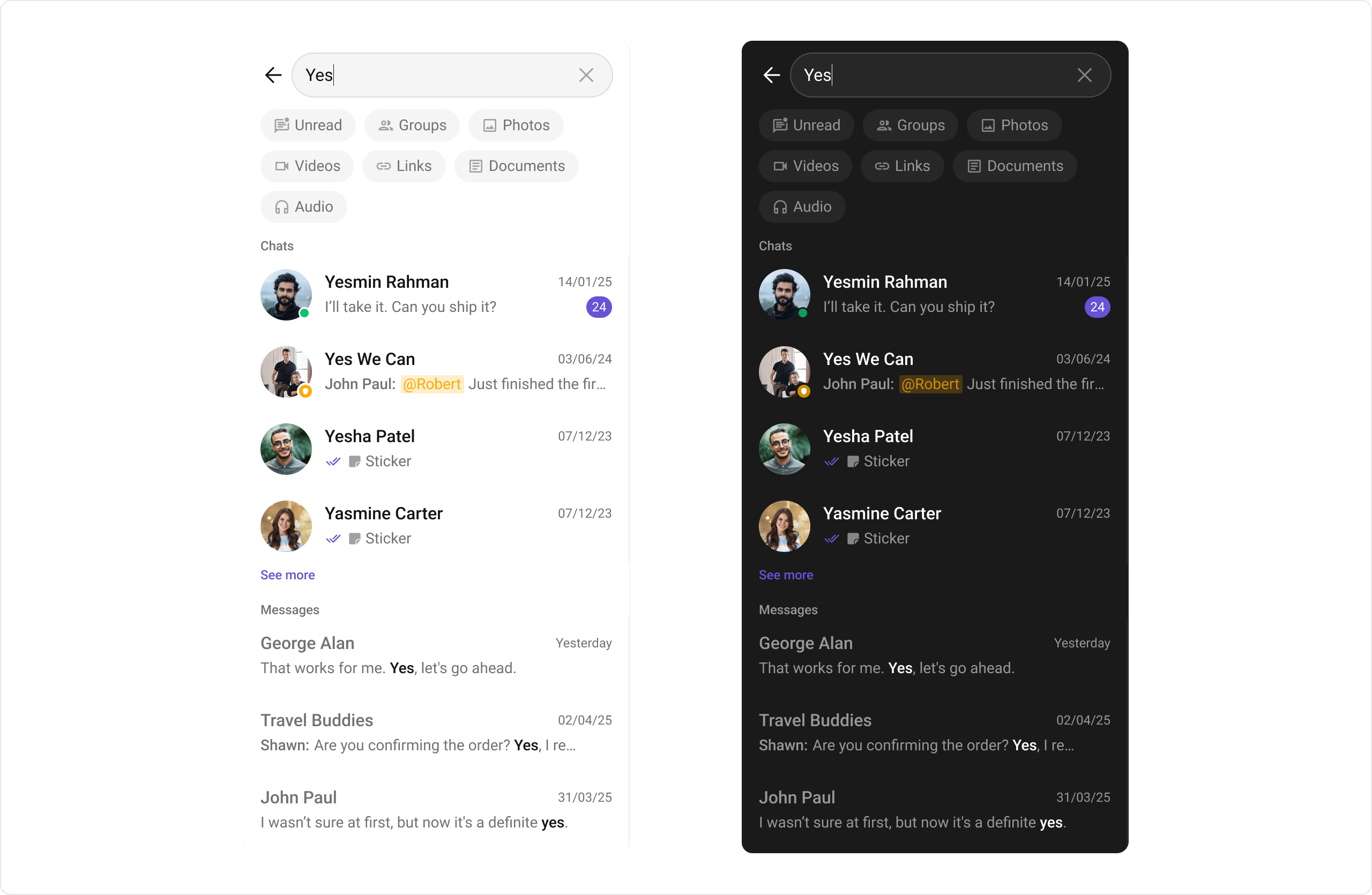
CometChatSearch provides unified search functionality across conversations and messages. In V6, it uses a single consolidated SearchBloc replacing the three separate controllers from V5.
Where It Fits
CometChatSearch is typically launched from a search button in the conversations list or message header. It searches across both conversations and messages, displaying results in categorized sections.
- Dart
Quick Start
Using Navigator:- Dart
- Dart
- Dart
CometChatUIKit.init() and a user logged in.
Actions and Events
Callback Methods
onConversationItemClick
Fires when a conversation result is tapped.
- Dart
onMessageItemClick
Fires when a message result is tapped.
- Dart
onBack
Fires when the user presses the back button.
- Dart
onError
Fires on internal errors.
- Dart
Functionality
Custom View Slots
Conversation Item View
Replace the conversation result item.- Dart
Message Item View
Replace the message result item.- Dart
State Views
- Dart
Advanced
BLoC Access
The search widget usesSearchBloc internally:
V5 → V6 Migration
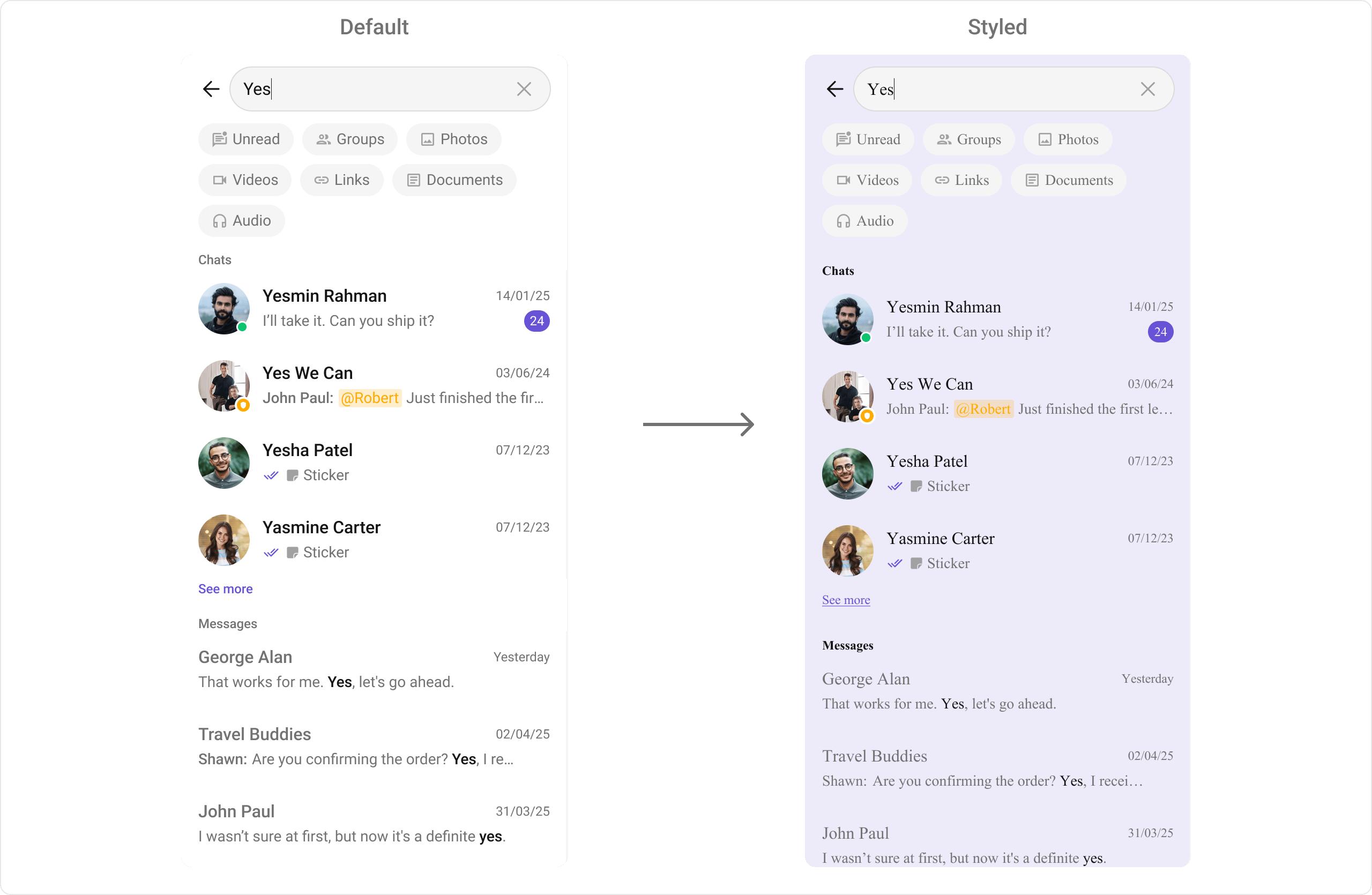
Style
- Dart
Next Steps
Conversations
Browse recent conversations
Message List
Display messages in a conversation
Component Styling
Detailed styling reference
Users
Browse available users