

AI Integration Quick Reference
AI Integration Quick Reference
Overview
CometChatOutgoingCall is a purely presentational component that displays the outgoing call screen while waiting for the receiver to answer. It shows the receiver’s name, avatar, a “Calling…” subtitle, and an end-call button.
Live Preview — interact with the default outgoing call screen.Open in Storybook ↗
The component handles:
- Displaying receiver name and avatar from the
callobject - “Calling…” subtitle text
- End-call/cancel button
- Outgoing call sound playback (looping while mounted, pauses on unmount)
Required prop: Thecallprop is required. The component needs a validCometChat.Callobject to render receiver information.
Typical usage:CometChatOutgoingCallis typically rendered byCometChatMessageHeaderorCometChatIncomingCallinternally when a call is initiated, but it can be used standalone.
Usage
Flat API
Standalone Usage Example
Actions and Events
Callback Props
Events Emitted
This component does not emit any UI events.Events Received
This component does not subscribe to any UI events from other components.SDK Listeners (Automatic)
This component does not attach any SDK listeners. It is purely presentational — the parent component is responsible for managing call state transitions (e.g., listening foronOutgoingCallAccepted or onOutgoingCallRejected).
Customization
View Props
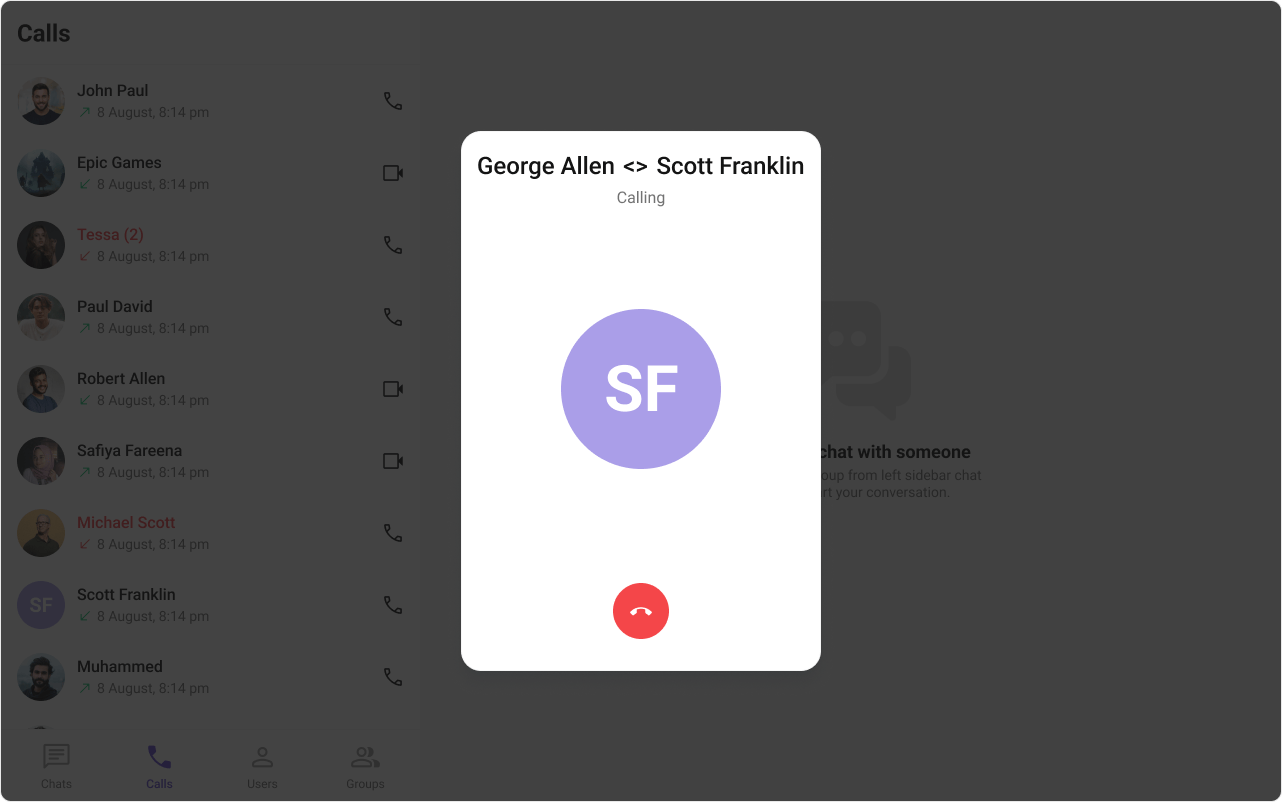
Use view props to replace sections of the default UI while keeping the component’s behavior intact:titleView
- TypeScript
- CSS
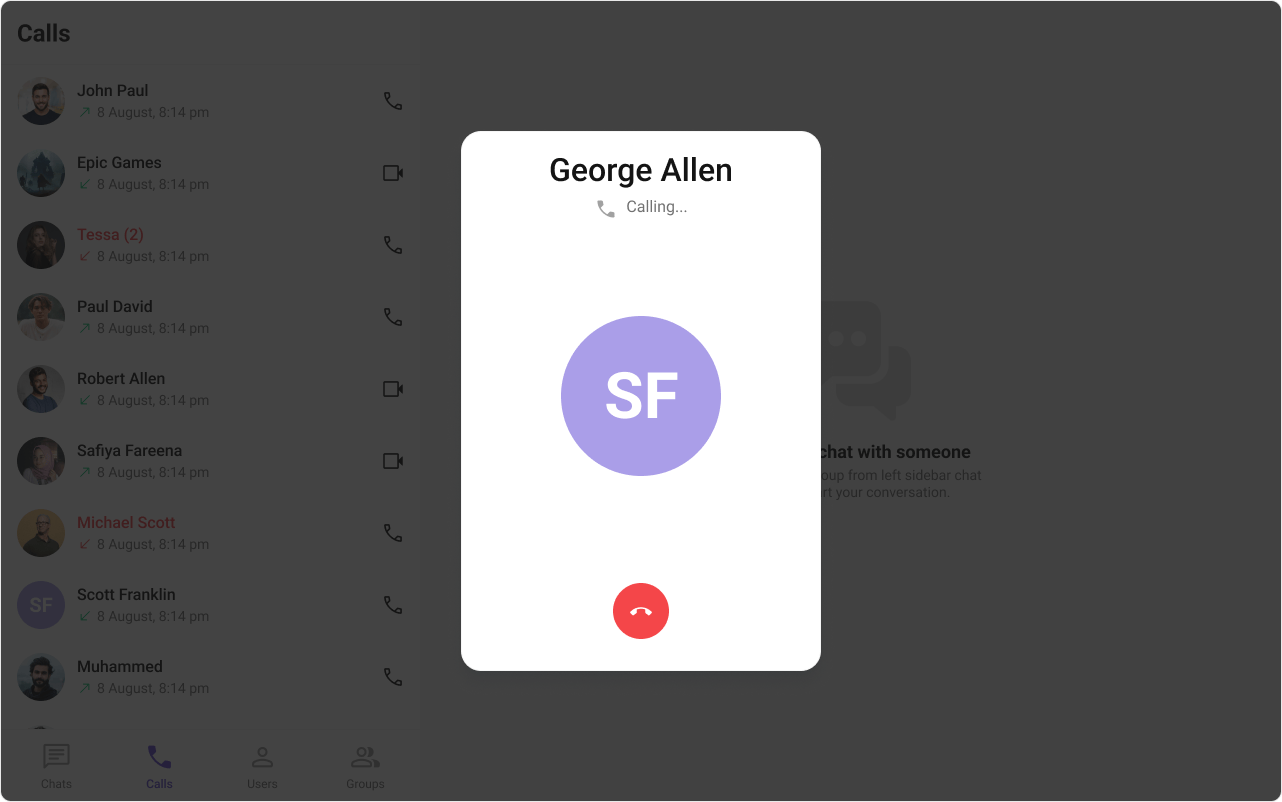
subtitleView
- TypeScript
- CSS
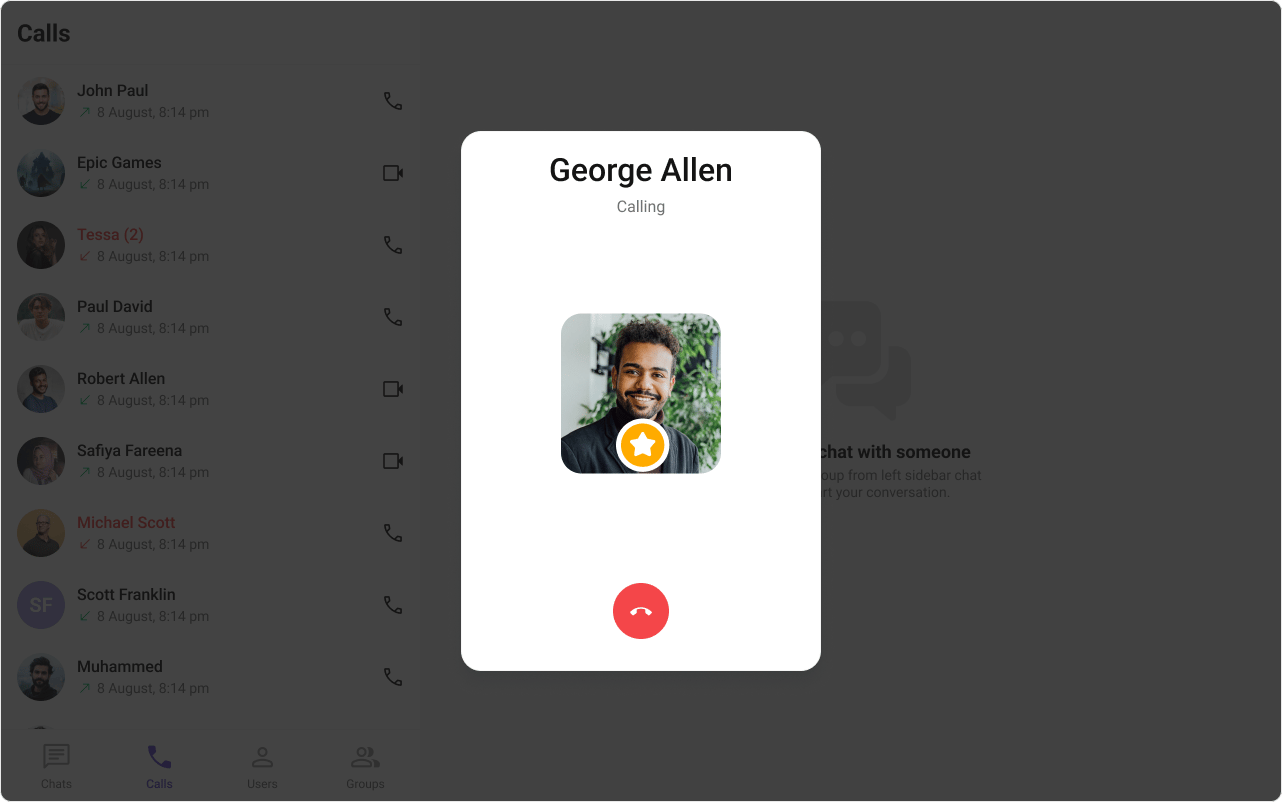
avatarView
- TypeScript
- CSS
CSS Styling
Override design tokens on the component selector:Props
Thecall prop is required. All other props are optional.
call
The CometChat call object representing the outgoing call. Required.disableSoundForCalls
Disable the outgoing call sound.customSoundForCalls
Custom sound URL to play during the outgoing call (replaces the built-in sound).onCallCanceled
Callback when the user clicks the cancel/end button.onError
Callback when an SDK error occurs.titleView
Custom view that replaces the receiver name.subtitleView
Custom view that replaces the “Calling…” text.avatarView
Custom view that replaces the receiver avatar.cancelButtonView
Custom view that replaces the end-call button.className
Additional CSS class name applied to the root element.CSS Selectors
Next Steps
Incoming Call
Handle incoming call notifications with accept/decline actions
Call Logs
Browse call history and re-initiate calls
Theming
Customize colors, fonts, and spacing